Category: Uncategorized

Game Design

In my group was Letitia, Rebecca, Jude and Shakira

To start with I worked on our tank with Letitia helping me bounce ideas. We ended up with a double-decker tank of sorts. With 360-degree rotation and SONAR on board. Both these aspects gave a challenge to stealth players during their approach to the tank. As well as this the tank would be split up into four heavy armor pieces that would need to be taken out to damage the tank itself. These pieces could be destroyed, either in one shot by stealth players up close or by multiple shots from offensive players.
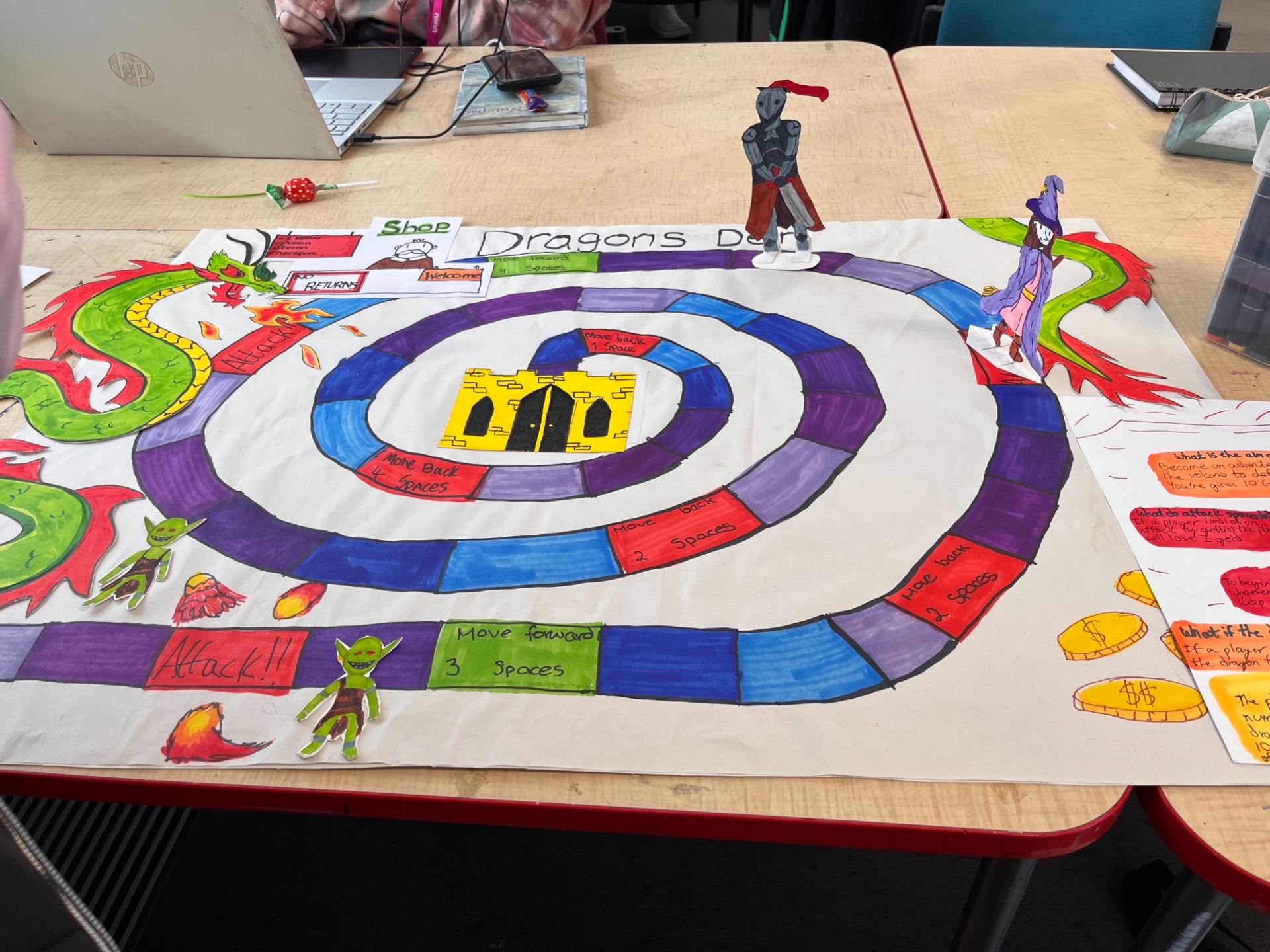
To start off with Letitia and I attempted to brainstorm ideas for our board game, coming up with a combination of the existing games like “Talisman”. The aim of it was to reach the top by battling attacks, buying power-ups in the shop, and defeating the dragon to win the quest.
Letitia wrote down an initial draft of the rules as we were brainstorming the gameplay
Letitia and I then tried to break the rules down in a simple-to-understand manner while fully explaining how the game works
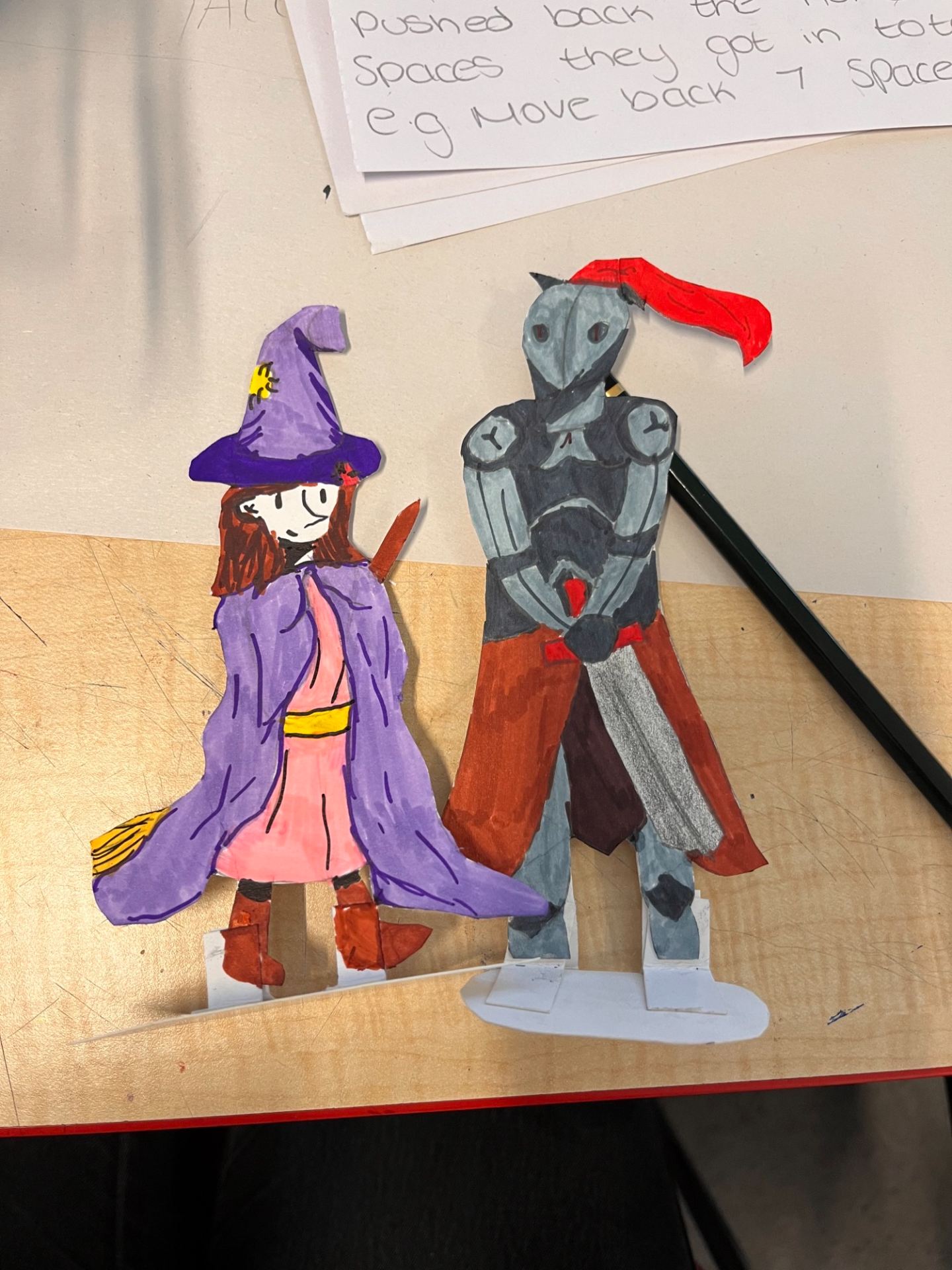
I was able to make player tokens of a knight and a witch/wizard, out of cardboard, which the players would use to move along the board


This is the final design for our board game. We have Jude to thank for making the castle in the middle and helping me to colour the board as she was unable to come in the first day. Shakira made the goblins who attacked you at the start. While Letitia produced the dragon that wraps around the board and is the main enemy of this game.
For redesigning a battleships type game, Letitia, Rebecca, and I brainstormed a few variations of the game based on our knowledge of it and other iterations of the game we had played. Our design included the idea of a shop where you could trade in your ships for currency to buy different weapons, including a SONAR bomb that would reveal the other player’s field for a few seconds
This was the finished product and interface the player would have during the gameplay

Graphic Design (Graphic language)

The first draft of thumbnails using a thin liner pen and a limited marker colour palette to illustrate a simple artwork that represents the given word
The second draft of thumbnails uses a thin liner pen and a limited marker colour palette to illustrate a simple artwork that represents the given word
\

Gif to show all created final piece icons for each word on the list as well as several variations for some words via Imgflip

Life Drawing-Day one

Willow charcoal on A3 paper. Five 2-minute drawings of the live model
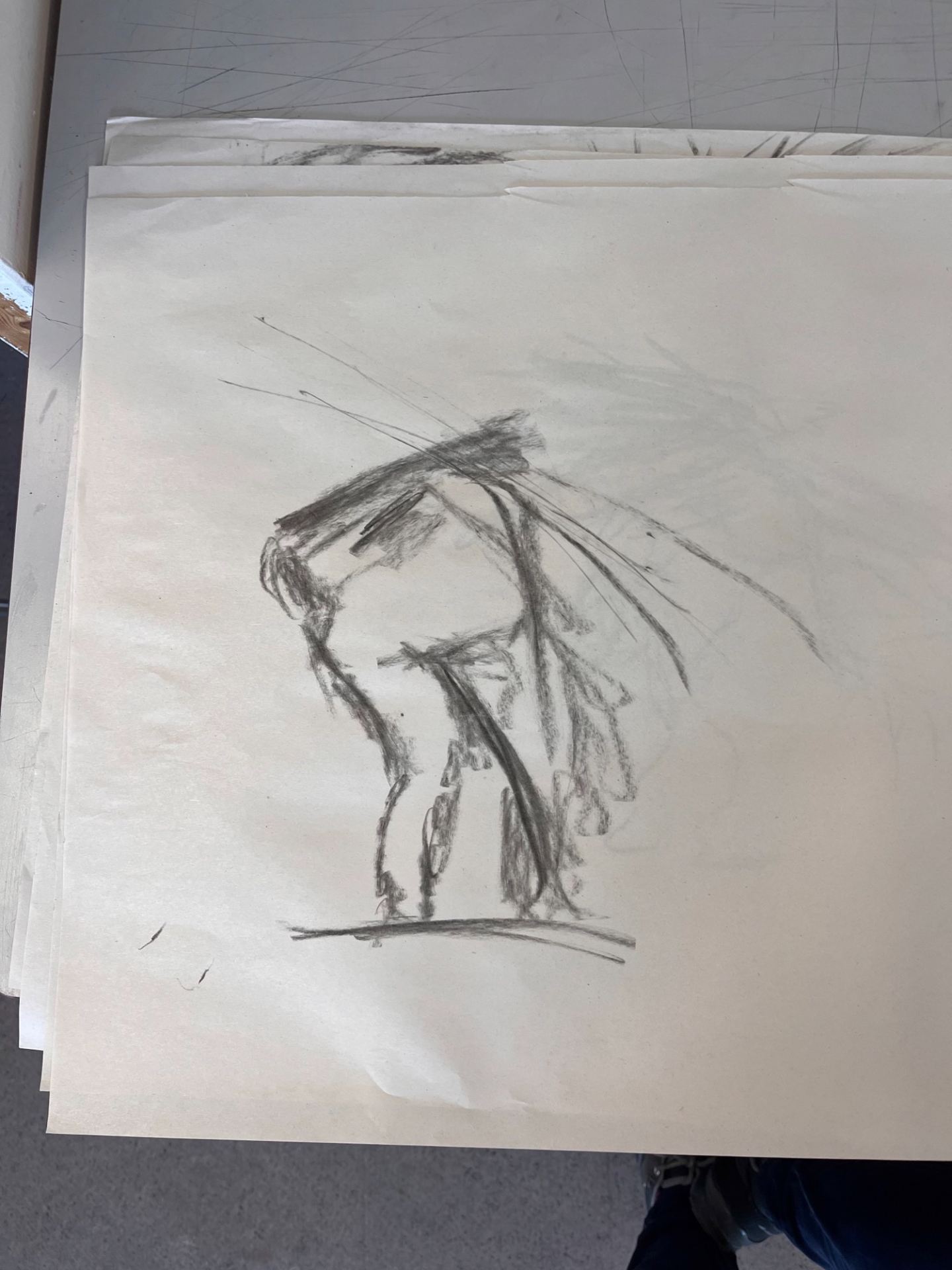
Willow charcoal on A3 paper. Ten 1 minute drawings of the live model
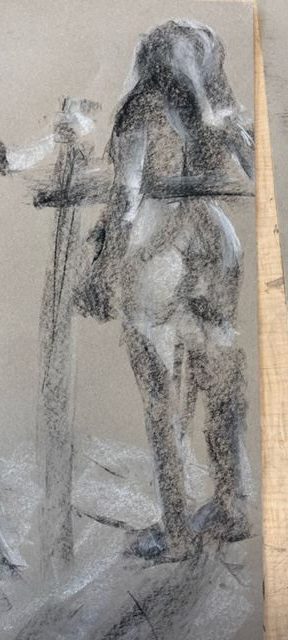
Black and white chalk on A3 sugar paper. Two 10-minute drawings of the model focusing on tone
A zoom-in of one of the 10-minute drawings focusing on tone
Black and white chalk on A3 paper. Two 10-minute drawings of the model focusing on tone
A zoom-in of one of the 10-minute drawings focusing on tone
Willow charcoal, black and white chalk on A3 sugar paper. A 30-minute drawing of the models
Pen on A3 paper. Five 2-minute drawings of the model
pen on A3 paper. Ten 1 minute drawings of the live model
Pen and pencil on A3 paper. A study to bring together the aspects of tone and form learned throughout this workshop
Pen and charcoal on A3 paper. A study to bring together the aspects of tone and form learned throughout this workshop

Outside-The MAC (Day one)

Willow charcoal on A3 paper to make use of negative space in order to illustrate the lady carrying sticks
Willow charcoal on A3 paper showing a 2-minute drawing (left) and a 5-minute drawing (right) of the lady carrying sticks
Only using the side of wIllow charcoal on A3 paper to illustrate the lady carrying sticks
Willow charcoal on A3 paper while not looking at the said paper in order to illustrate the lady carrying sticks
Willow charcoal on A3 paper. My classmate first illustrated their view of the lady carrying sticks before I also sketched my own perspective of the artwork on top
Willow charcoal on A3 paper
Willow charcoal on A3 paper to illustrate the piece named “Dead Dad”
Willow charcoal on A3 paper. A study of drawing the figure by dividing up the page into 8 spaces, a heads width each
Soft pastel on A3 sugar paper. A study focusing more on colour and adding the idea of a mirror into the image to illustrate that the subject may be deep in thought or looking back on something

3D/Draw (Day two)

The addition of a wire creation to the earlier 30-minute drawing in order to add another layer and 3D aspect
A depiction of a sofa using aluminum wire to create a base and thinner wire to create the illusion of springs coming out of one of the cushions
Side view of the sofa
The comparison of the creation next to the inspiration
A depiction of a chimney using aluminum wire to create a base and thinner wire to create the illusion of smoke coming out of the top
Side view of the chimney
A depiction of a tree using aluminum wire to create a trunk and thinner wire to create leaves
A depiction of a building using wire in order to create a more 3D shape
Front view of the building
Side view of the building

Welcome to your Blog!

This is the place for you to upload images and catalogue your progress. On the front page (where you are now), your posts will appear in chronological order, newest at the top, oldest at the bottom.


To help you and your lecturers navigate your posts, you need to assign to the right category to each new post (see the post below this one to learn how to create a new post).

The menu at the top of your blog lets you select a category and look at the posts in that category alone.

 

Adding a post to your Blog

To add a new post to your blog,

  1. Click + New in the menu:

  2. Choose Post in the dropdown menu:

  3. In the Add a New Post, enter your post title (1) and choose which category your post belongs to (2).

    Choosing the right category is extremely important. If you don’t choose the correct category for your post, your lecturer will assume you didn’t post any work.
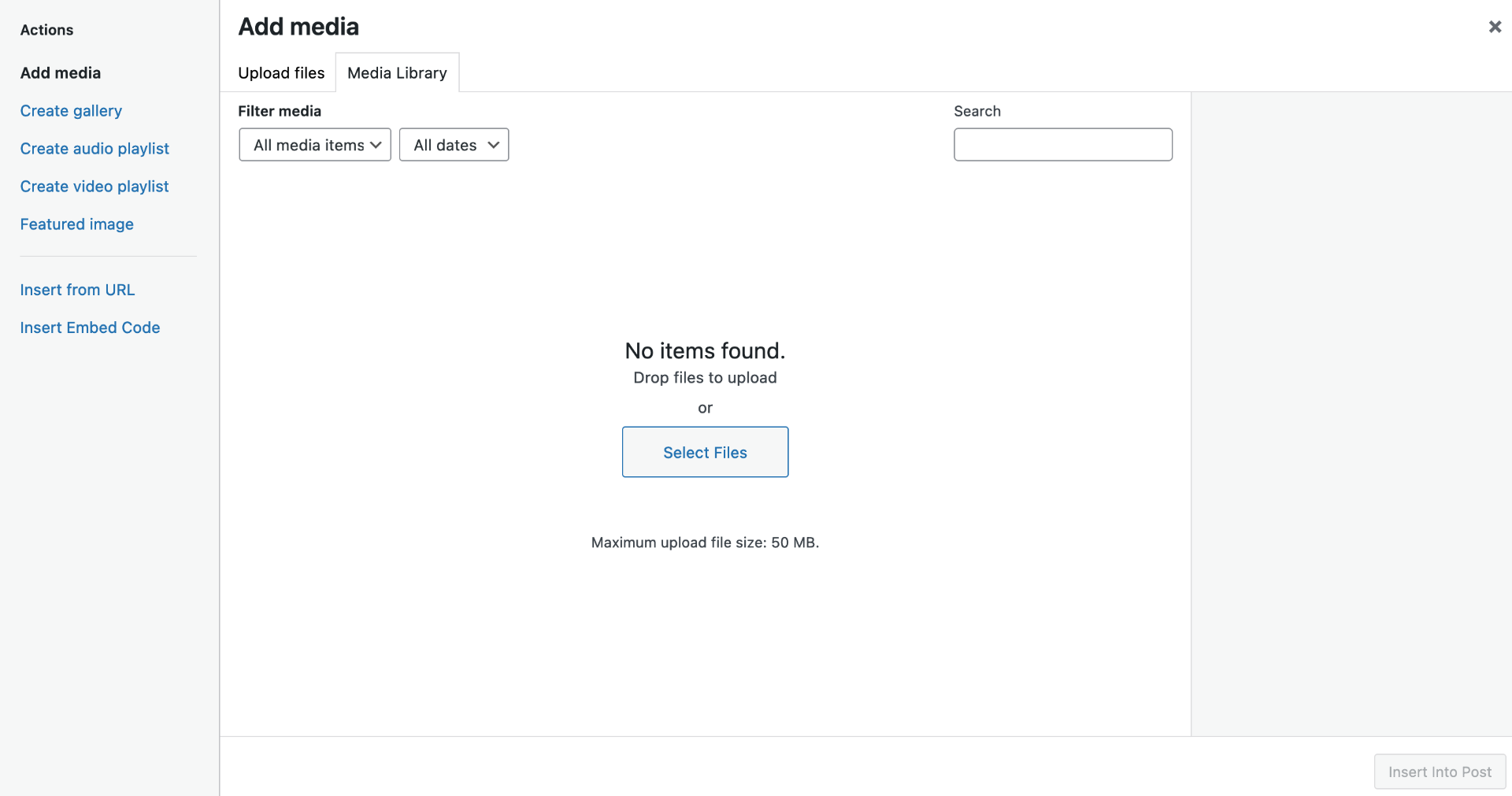
  4. Now you can add an image and some text (if needed). Click Add Media. This opens a new screen. Here you can simply drag and drop your image(s).

  5. Make sure the right image is selected (blue tick), then click Insert into Post.
  6. You can check your post before publish it on your blog, by clicking Preview, and finally, you publish your post by clicking the blue Publish button. Only then will your post appear on your blog.