Week 11 3D Digital Literacy UV mapping and Sketchfab

For this week we had learnt on UV mapping and had a sketchfab recap like what we have done for assignment 1 models. For this we learnt on what we had to do after the retopology on Maya and move onto Substance painter before sending it off to Sketchfab before release.

Here is where my blender project has finished with my character, before sending it off to Maya.

For my progress on my character I had saved it a Fbx and moved into Maya ready for retopology.

I watched the lecturers and other videos on YouTube to help work on the retopology faster for my work with Quad draw on specific areas like the arms or petals.
37 – Maya 2015 – Continued Work with Quad Draw – YouTube

Week 10 Narrative – Lighting

For this week we have been learning about lighting within the environment especially for shots and scenes used in animation. We practised lighting on a 3D model in Maya using rendering to make the effect and controlling the volume of lighting to make it brighter. My lecturers showed me HDR images that can be used for the environment when using the aiatomsphere light option.

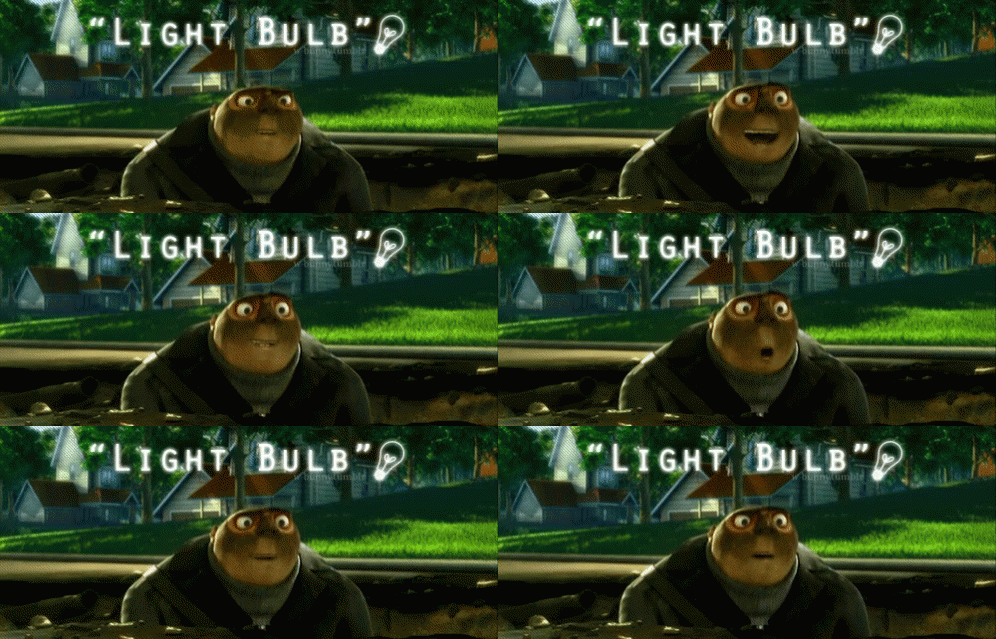
For our group project I have been working on a prop for the bee project which is an lightbulb for the main character.

Week 10 Digital Literacy – Retopology

For this week we learnt about Retopology which is used for the masking for sculpting characters with polygons from having a high resolution to a smaller resolution, so it can be easier to deform the mesh within the 3D model. Here is my process of the masking of the elephant within the class exercise:

Meanwhile I have been working on my character sculpture by smoothing, adding eyes and working on the arms using the curve tool with Bezier to line them up.

For the curves I watched a YouTube video to help me out with the arms and the worm I have inserted.

Blender Bend Object using Curve Modifier Blender 2.8 – YouTube


Week 9 3D Digital Literacy Character Blocker

For this week we have been working on our 3D characters on Blender, getting some tips and support from our lecturers on how to improve/add in for character with shapes before moving onto the sculpting and adding final designs for our characters. Here is my 3D model which is still a work in process.

I tried doing the petals like how my lecturer did with the elephant ears in the last exercise which can be found on blackboard. The pot, head, and small petals were easy enough just like using Maya.

Week 9 Narrative Pre-vis production

This week the bee team took a call meeting on discord to see each other’s parts for the previs animation. Some of us were finished to show to the others while 2 people got confused for what should be done for theirs. But all was good in the end so we continued to finish ours before we sent them to Dylan to edit them and send them off to Alec.

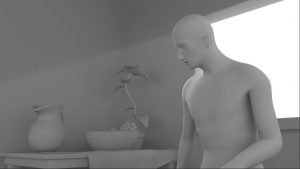
For final designs and products are still a work in progress but won’t take too long to decide on final designs and finishing products in the environment. For my part on the 3D previs, is scene 3 in that order and here is my wip with no sound:

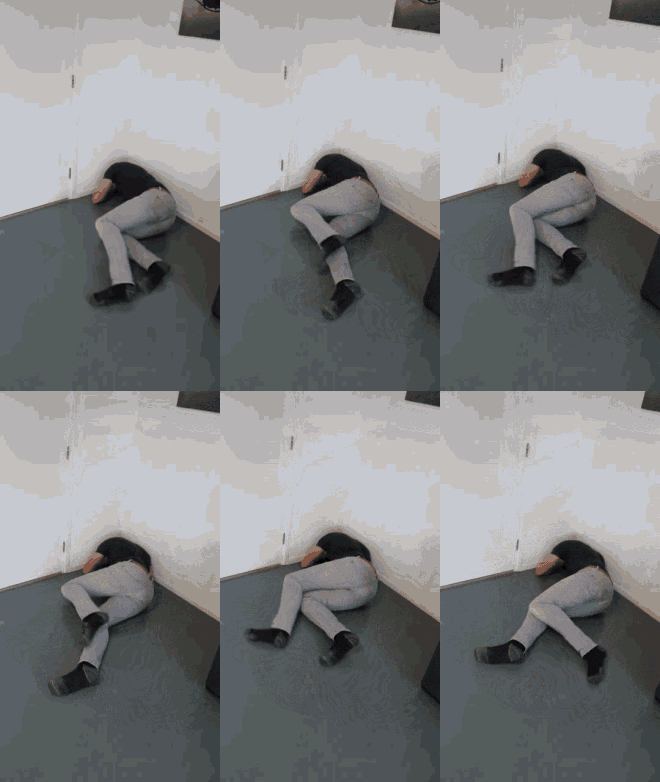
Just crying in the corner for a short second time before sees the DJ set which makes him happy and gets the idea.

Corner GIFs | Tenor

Week 8 3D Literacy Blocking and Sculpting

This week for 3D Literacy we had learnt about character blocking and sculpting pipelines for 3D characters. That we always use shapes and references while using geometry when sculpting and that each form is simple with rough shapes, big shapes small details. I had watched Mikes videos on the introduction on sculpting with it came to sculpting shapes, heads and a full character.

In the meantime I had drawn my concept ideas, character designs and my final design for the assignment 2 cute character model. Here are my concept ideas:

It was difficult to choose but I went with the flower character and its finals design.

Week 8 Narrative Intro to Rigging part 2

This week for 3D Narrative since university was closed for St Patricks day, we watched videos for rigging, blendshapes, parent constraints and expressions on Maya. I took one of the exercises to do this week that was the parent constraints.


Apart from exercises I have been working on my animatic for my 3D project with my team.

I also worked on 3D modelling on one of the bully bees for the project.

Week 7 3D Narrative: Intro to rigging

For week 7 in 3D Narrative we were introduced to 3D rigging in Maya. We were taught on how rigging controls models and sculptures into puppets for movements of animation. We had practised in class with rigging with the a tentacle and Ferris wheel and learnt about the skinning and joints.

For my exercise I had to do a ultimate walker jump this week using Alec’s videos to help me through the process.

Week 7 3D Digital Literacy: Intro to Assignment 2

For week 7, we were introduced to our assignment 2 coursework and Blender that we will use to create a 3D character for May. Using Blender is a new beginning for me just like with Maya but has more buttons and controls to sculpt a character. It was confusing at first, but I know that I will get the hang of it in the next couple of weeks while doing exercises from Blackboard.

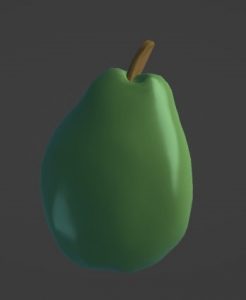
For my exercises this week I had to sculpt a pear and pepper bell using Blender. I tried my best but I think it went pretty well for its a start for this semester.

Skip to toolbar